Strategy
Most small business booking systems are built wrong — too much friction, too many steps, too many forgotten appointments. Here's what separates booking that converts from booking that bounces.
The way most small businesses handle appointment booking in 2026 is significantly worse than it needs to be. Customers who want to book end up playing phone tag, filling out forms that take ten minutes, or abandoning the process halfway through because it felt like more effort than just trying somewhere else.
A well-designed booking flow doesn't just save your team time. It directly increases the number of appointments you book, because it removes the specific friction points that make would-be customers drop out. Here's what actually matters in a booking system for a Canadian small business, and what to avoid.
A customer should be able to book an appointment from your website in under 30 seconds. One page. A calendar grid showing available times. They pick, they enter name and contact, they confirm. Done.
Anything more than that — account creation, long forms, multiple screens, asking for information you don't need — is friction, and friction kills conversion. Every extra step drops a measurable percentage of would-be bookings.
The best booking systems do three things well: the core flow is short and mobile-first, the calendar honestly reflects your real availability, and the confirmation + reminder sequence reduces no-shows without being annoying.
Wrong 1: Making customers create an account before they can book. Account creation adds a step and adds a mental barrier. For most small business services, you don't need the customer to have an account. Capture their email and phone, send a confirmation, done. Save accounts for subscription products, memberships, or repeat-booking scenarios where it actually helps the customer.
Wrong 2: Showing times that aren't actually available. Nothing is more frustrating than a customer picking a slot, filling out the form, clicking confirm, and getting an error that the time is no longer available. Your booking system should pull from a single source of truth — your actual calendar — and update in real time.
Wrong 3: Relying on email reminders alone. Email reminder rates are significantly lower than SMS reminder rates for appointments. A text message 24 hours and 1 hour before an appointment typically cuts no-shows by 60-80% compared to email-only reminders.
Over 70% of small business appointment bookings happen on mobile in 2026. If your booking flow isn't fast, frictionless, and thumb-friendly on a phone, you're losing the majority of your bookings before anyone sees the available times.
Specifically: the calendar needs to display cleanly on a 375px screen, the form fields need to be large enough to tap accurately, and the whole flow should work one-handed while someone is standing at a bus stop. Most third-party booking widgets fail at least one of these tests when you actually pressure-test them on a phone.
A booking system built into your actual website, designed mobile-first from day one, outperforms any embedded iframe widget on every meaningful metric: conversion, load time, perceived professionalism.
No-shows are the silent killer of service-business margins. For appointment-based businesses, every no-show is a scheduled hour that produces zero revenue — and often displaces a customer who would have booked that slot instead.
The reminder cadence that works best for most small businesses:
That's it. More reminders than that starts to feel harassing and actually backfires. Less than that leaves measurable no-show rate on the table.
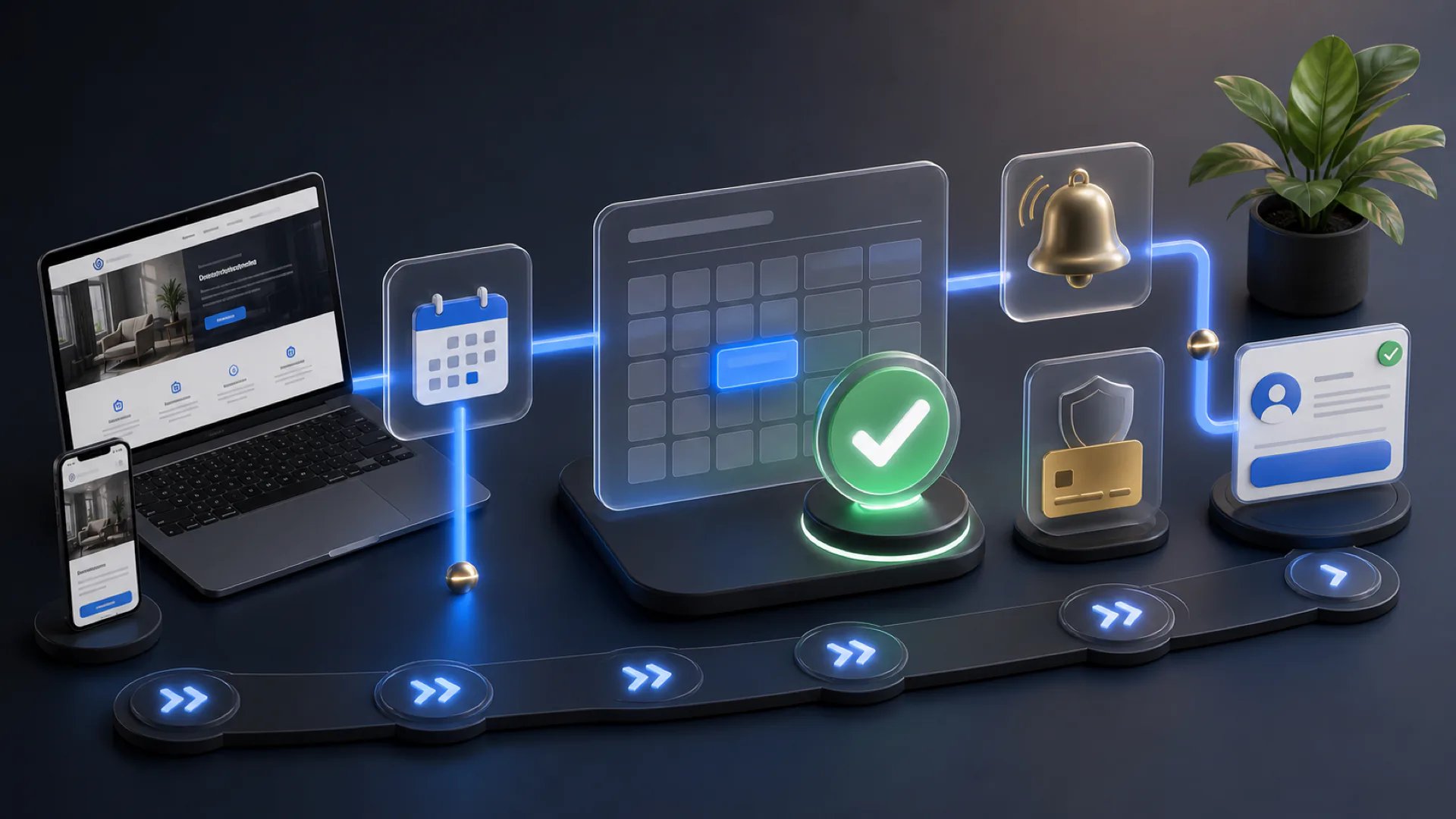
A booking system shouldn't live in isolation. When someone books, their info should flow into your CRM, a reminder should auto-send on the right schedule, and if they don't show, a follow-up sequence should kick in automatically.
When they complete the appointment, they should get added to a review request sequence — which is how you turn each booking into potential local SEO fuel.
Each piece is replaceable; the value comes from the integration. A booking system bolted onto a website without any connection to the CRM, the reminder system, or the review flow is doing a quarter of the job. All the value is in the full loop.
Standalone booking tools — Calendly, Acuity, Square Appointments — each do the core booking job reasonably well. The limitation is that each is bolted onto your website via an iframe or a link. The user experience feels slightly worse because it is slightly worse. Their conversion is typically 15-25% lower than a purpose-built integrated flow.
Standalone tools also silo the customer data. The booking ends up in one system, the CRM in another, the email follow-up in a third. Maintaining the connections across tools becomes its own part-time job.
Bundled solutions — a booking flow built directly into your website, sharing a database with your CRM, feeding the same email system — avoid all of that. For small businesses that want booking to just work without becoming its own operational problem, this is the cleaner answer.
If you want a rough template for what a good booking flow looks like in 2026: a calendar-first page (not a form-first page), showing available times in the customer's timezone, with a short form below that asks only for name, email, phone, and a one-line "anything we should know?" field. A confirmation screen. Done.
Test it on an iPhone on 4G. Test it one-handed. Test it while mildly distracted. If all three still feel frictionless, you have a booking system that will actually book. If any of them feel clumsy, you have something that will cost you conversions you'll never see.
Ready to act on this?
See exactly where bookings leak out of your site — every leak in dollars, plus an AI preview of your rebuilt homepage. $29.99, credited toward your first month.
Frequently asked
For simple cases with low booking volume, third-party tools (Calendly, Acuity) are fine. For service businesses where booking conversion matters, a booking flow built into your site typically converts 15-25% better and integrates more cleanly with CRM and review automation.
Standalone tools range from $0-$40/month. Integrated booking bundled into a full website plan typically sits around $150-$400/month total (alongside the website, SEO, and other bundled services). The integrated option usually pays for itself via higher booking conversion alone.
Yes. Any decent modern booking system syncs with Google Calendar, Outlook, and Apple Calendar bidirectionally — meaning personal events on your calendar automatically block availability on the booking page, and new bookings appear on your calendar immediately.
Too-long a gap between booking and appointment with no intermediate touchpoints. A customer who books 10 days out and gets zero reminders forgets at roughly 4x the rate of a customer who gets a 24-hour and 1-hour SMS reminder. SMS is the single highest-leverage no-show reduction tactic.
We're building 100 complete custom websites for Canadian small businesses, plus 50% off your first month on any plan. Claim a spot before the timer runs out.
 Canadian team